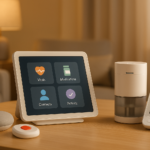
Are you trying to figure out which smart devices will actually help your senior loved one, instead of making daily life more confusing or frustrating?
Choosing the right technology for an older adult can feel like a balancing act. You want tools that improve safety, comfort, and independence, but you also want to avoid devices that are hard to use, easy to forget, or simply unnecessary. The best smart devices are not always the newest or most advanced ones. They are the ones that match your senior’s physical abilities, cognitive strengths, routines, and preferences.
If you are asking, “How do I know which smart devices are appropriate for my senior’s physical and cognitive abilities?” the answer starts with one important idea: fit matters more than features. A device can be highly rated and still be a poor match if your loved one has vision loss, arthritis, memory changes, hearing impairment, or trouble learning new steps.
This guide will help you evaluate smart devices in a practical way. You will learn how to match technology to your senior’s needs, what red flags to watch for, and which types of devices tend to work best for different physical and cognitive situations.
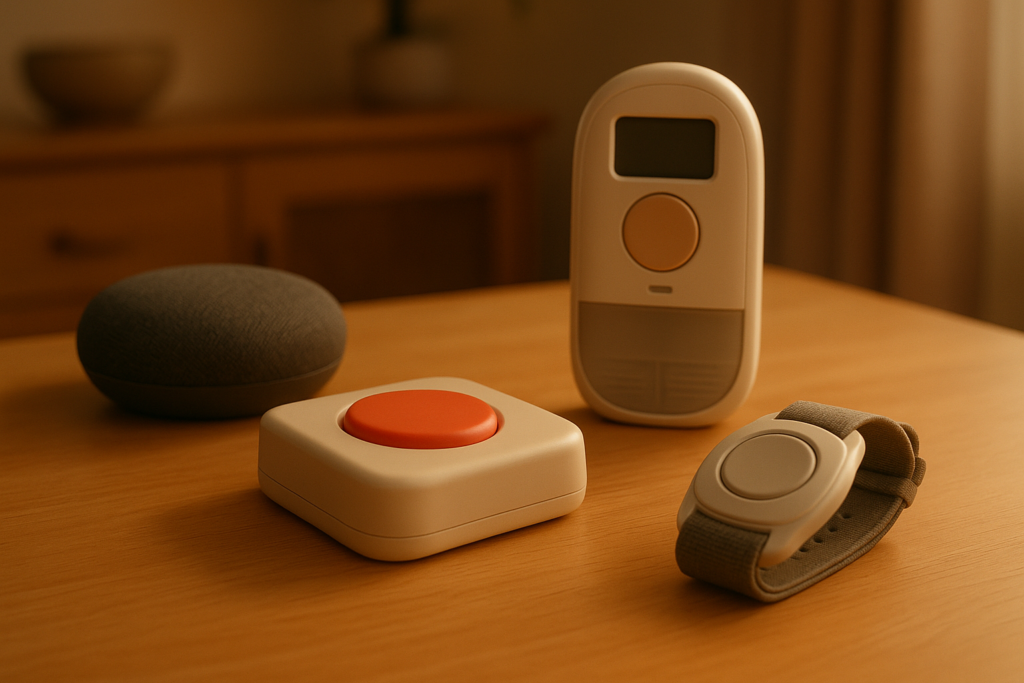
Why the “right” smart device depends on the person
You may be tempted to shop by category: smart speakers, medical alert systems, pill reminders, cameras, or GPS trackers. But before you compare products, it helps to look closely at the person who will use them. What works beautifully for one senior may be stressful or unusable for another.
A smart device is appropriate when it supports your senior’s daily life without adding more burden. That means it should be easy to understand, simple to operate, and realistic to maintain over time. In many cases, a basic device with clear buttons and voice prompts is better than a feature-packed system with a complicated app.
Start by assessing your senior’s actual daily abilities
Before buying anything, take a step back and observe how your senior manages everyday tasks. You do not need a formal medical evaluation to begin. You can learn a lot just by noticing where they move confidently and where they struggle.
Think in terms of function rather than age. Two people in their 80s may have completely different abilities. One may text, stream music, and manage online banking. Another may have trouble remembering how to answer a smartphone.
Physical abilities to consider
Physical limitations can strongly affect whether a device feels helpful or impossible to use. If a smart tool requires quick finger movements, small taps, or lifting and charging, it may not be practical.
Pay attention to:
- Vision changes
- Hearing loss
- Arthritis or reduced hand strength
- Tremors
- Limited mobility
- Balance issues
- Fatigue
- Difficulty speaking clearly
For example, if your senior has arthritis, a touchscreen with tiny icons may be frustrating. If they have hearing loss, a voice assistant that speaks softly may not be useful unless paired with visual alerts.
Cognitive abilities to consider
Cognitive changes often matter even more than physical ones when choosing technology. Some seniors can still learn new devices well, while others may become overwhelmed by multiple steps, notifications, passwords, or app switching.
Look at whether your loved one can:
- Follow multi-step instructions
- Learn a new routine
- Remember charging schedules
- Recognize alerts and what they mean
- Make decisions under stress
- Use a device consistently
- Tell the difference between real alerts and false alarms
- Troubleshoot minor problems
If your senior has mild cognitive impairment or dementia, the best technology is usually the simplest. Devices that require frequent updates, account logins, or remembering voice commands may create more stress than benefit.
Ask what problem you are trying to solve
It is easy to buy smart devices because they sound useful in general. But the better question is: what specific problem are you trying to solve for your senior?
When you identify the real goal, you can choose more accurately and avoid wasting money on gadgets that do not fit their life.
Common goals include:
- Improving safety at home
- Making communication easier
- Supporting medication routines
- Reducing fall risk
- Helping with memory
- Managing wandering risk
- Monitoring health conditions
- Increasing comfort and convenience
- Supporting independence while reducing caregiver stress
If your senior forgets medications, a smart pill dispenser may help. If they are unsteady at night, smart lighting may be more useful than a smartwatch. If they become confused by phones, a simple video calling device may be better than a full tablet.
Match the device to the ability, not just the need
Even if you know the problem, you still need to match the solution to your senior’s abilities. This is where many families run into trouble. They choose a device that solves the right issue on paper but is too hard to use in reality.
Here is a practical way to think about it:
| Need | Ability Required | Good Fit If Your Senior Can… | Poor Fit If Your Senior… |
|---|---|---|---|
| Medication reminders | Hear alerts, respond to prompts, follow routine | Recognize reminders and take medicine after alert | Ignores alerts, forgets what alert means |
| Voice assistant | Hear speech, remember simple commands, speak clearly enough | Uses spoken prompts comfortably | Becomes confused by voice interaction |
| Smartwatch | Charge regularly, read screen, tap or respond | Tolerates wearing it and understands alerts | Forgets to wear or charge it |
| Smart locks | Understand locking status, use app/code/voice | Follows simple entry routine | Gets confused by app or digital keypad |
| Fall detection device | Wear device consistently, keep it charged | Keeps device on daily | Refuses wearable or forgets it often |
| Video doorbell | Recognize alerts, use phone or screen | Understands who is at the door and responds | Becomes anxious or confused by notifications |
This kind of matching process can save you a lot of frustration. You are not just asking, “Does this device have the right feature?” You are asking, “Can my senior realistically and comfortably use this feature?”
Focus on ease of use first
You may be impressed by advanced options, but ease of use should be your first filter. In many senior households, the most appropriate smart device is the one with the least learning curve.
Look for devices with:
- Large buttons or icons
- Clear screens with high contrast
- Loud and adjustable volume
- Strong battery life
- Minimal setup steps
- Automatic operation
- Voice prompts in plain language
- Reliable performance
- Few required passwords or logins
- Easy caregiver controls
A good smart device should feel intuitive. If you need to write a long instruction sheet for your loved one, that may be a sign the device is too complicated.
The “one-step rule”
A useful guideline is the one-step rule. If your senior can complete the main function in one step, or as close to one step as possible, the device is much more likely to succeed.
Examples:
- Press one emergency button
- Say one voice command
- Receive an automatic light at night
- Get a pill reminder from a dispenser that opens the correct dose
- Answer a video call by touching one large screen button
The more steps involved, the greater the chance of confusion, mistakes, or abandonment.
Consider your senior’s comfort with technology
Some older adults are experienced with smartphones, apps, and smart home tools. Others are not. You do not need to avoid technology entirely if your senior is less experienced, but you do need to choose their starting point carefully.
Ask yourself:
- Have they used a smartphone before?
- Can they remember how to open an app?
- Are they comfortable speaking to a device?
- Do they get anxious when something changes on a screen?
- Can they tell the difference between device alerts, phone calls, and scam messages?
- Do they tend to press random buttons when confused?
If your senior has little technology experience, choose devices that look and act like familiar household items. For example, a smart lamp that turns on automatically may be easier to accept than a home system controlled only through an app.
Smart devices that often work well for physical limitations
When physical challenges are the main concern, devices that reduce effort and improve access can make daily life easier. The key is selecting tools that compensate for limitations without requiring complex learning.
Smart speakers and voice assistants
These devices can be very helpful if your senior has limited mobility, reduced hand strength, or difficulty reaching switches and phones. You can use them for reminders, calls, music, weather updates, and controlling lights or thermostats.
They work best when your senior:
- Can hear the responses clearly
- Is comfortable speaking commands
- Can remember a few simple phrases
- Does not become confused by conversational responses
They may be less appropriate if your senior has significant hearing loss, severe speech difficulties, or paranoia about devices “listening.”
Smart lighting
Smart bulbs, motion-activated lights, and scheduled lighting systems can reduce fall risk and make nighttime movement safer. These options are especially helpful if your senior forgets to turn on lights or has trouble reaching switches.
This category is often a strong choice because it can work automatically. Automation lowers the burden on your senior and increases the chance that the device will actually help.
Video calling devices with simplified interfaces
If your loved one has trouble holding a phone, dialing numbers, or reading small text, simplified video communication devices can be a strong option. Some allow family members to call directly without requiring your senior to navigate menus.
These are particularly useful when isolation is a concern. Social connection supports emotional health and can also help caregivers monitor changes in mood, mobility, and cognition.
Smart thermostats with caregiver support
If your senior struggles with temperature regulation, forgets to adjust the heat, or has trouble using standard thermostat controls, a smart thermostat can help. It is especially useful if a caregiver can manage settings remotely.
This type of device is most appropriate when the senior does not need to interact with it much. If they frequently try to override settings without understanding the system, it may create confusion.
Smart devices that may help with cognitive changes
When memory loss or confusion is part of the picture, the best smart devices reduce the need to remember steps. Simplicity and automation become even more important.
Automated medication dispensers
For seniors who forget medications, take the wrong dose, or confuse schedules, an automated dispenser can be safer than alarms alone. Some devices release the correct medication at the correct time and notify caregivers if a dose is missed.
These can work well if your senior still understands that the device means, “It is time to take medicine.” If they no longer make that connection, caregiver involvement is still necessary.
Calendar clocks and reminder displays
Digital clocks that show the time, day, date, and reminders in a clear format can support orientation. These are often easier for seniors with mild memory issues than smartphones or tablets packed with features.
A good reminder display uses plain language, large text, and consistent routines. For many seniors, familiarity matters more than innovation.
Simple emergency response systems
If your senior has cognitive decline, an emergency system should be extremely easy to use. Complex wearable devices with hidden functions may not be ideal. A single-button emergency pendant, smartwatch alternative, or voice-activated calling tool may be more realistic.
What matters most is whether your senior will wear it, recognize when to use it, and tolerate it without removing it.
GPS or location devices
If wandering is a concern, location tracking tools can support safety. Some are worn as watches, clipped to clothing, or placed in shoes. These are most useful for caregivers, since the senior may not need to operate them directly.
You should still think about comfort, charging, and reliability. A tracker that gets left on the nightstand does not solve the problem.
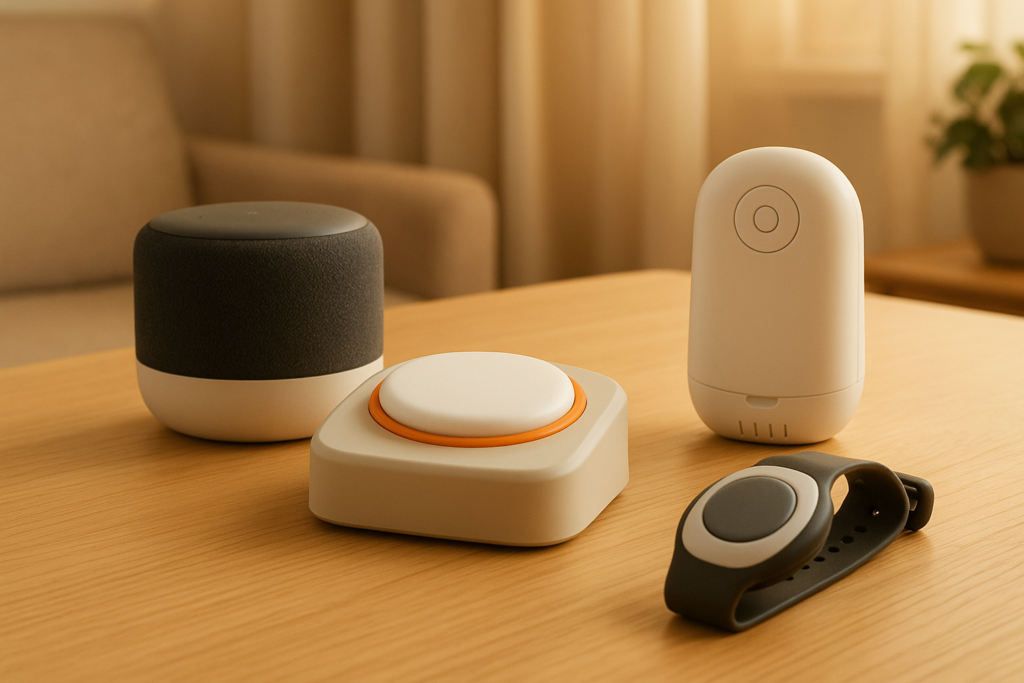
Devices that may be inappropriate for some seniors
Not every smart device is a good idea, even if it is popular. Sometimes a device sounds helpful but creates stress, privacy concerns, or misuse.
Be cautious with devices that:
- Require frequent charging
- Have tiny screens or controls
- Depend heavily on smartphone apps
- Use confusing or inconsistent alerts
- Require remembering passwords
- Send too many notifications
- Trigger anxiety or suspiciousness
- Need regular troubleshooting
- Have poor customer support
- Depend on your senior learning multiple new habits at once
For example, a smartwatch may seem perfect because it includes reminders, health tracking, and fall detection. But if your senior forgets to wear it, cannot read the screen, or never charges it, it is not appropriate for them.
Watch for signs that a device is not a good fit
You usually know within days or weeks whether a smart device is truly working. If your loved one avoids it, complains about it, or uses it incorrectly, pay attention.
Warning signs include:
- They stop using it after the initial setup
- They seem confused or frustrated by alerts
- They forget to charge or wear it
- They call you repeatedly because the device “is not working”
- They disable features without understanding what they are turning off
- They become anxious, fearful, or angry when it activates
- The device creates more caregiver work than it saves
A failed device is not always a sign your senior “cannot use technology.” It may just mean the device was too complex, too intrusive, or poorly matched to their habits.
Involve your senior in the decision whenever possible
Even if you are the caregiver handling the research and setup, your senior’s preferences matter. People are much more likely to accept and use a device if they feel included in the choice.
Ask questions like:
- Would this make your day easier?
- Do you prefer pressing a button or speaking a command?
- Would you wear this every day?
- Does this screen feel easy to read?
- Is this voice clear enough to hear?
- Do the reminders feel helpful or annoying?
Respect matters here. A device may be practical, but if it feels infantilizing or invasive to your senior, they may resist it. Framing also helps. Instead of saying, “You need this because you forget,” you might say, “This can make things easier and give you more independence.”
Think about setup, maintenance, and caregiver support
A smart device is not only about your senior’s abilities. It also needs to fit the caregiver’s capacity. Some systems work well only if a family member is willing to monitor alerts, recharge batteries, manage apps, update settings, and handle troubleshooting.
Before buying, ask yourself:
- Who will set it up?
- Who will maintain it?
- Who will respond to alerts?
- Does it require strong Wi-Fi?
- What happens during a power outage?
- Is there a monthly subscription?
- Can multiple caregivers access it?
- Is customer service easy to reach?
If the device depends heavily on your involvement, be honest about whether that is realistic. Sometimes a simpler tool that requires less maintenance is the better long-term choice.
A practical framework for choosing the right device
If you want a clear process, this simple framework can help you make decisions with more confidence.
Step 1: Identify the top one or two needs
Start with the most important problems, not a long wish list. Focus first on issues like falls, missed medications, wandering, poor sleep safety, or communication difficulty.
This keeps the process manageable and reduces the temptation to overbuy.
Step 2: List your senior’s key strengths and limitations
Write down what your senior can reliably do on their own. Be specific. “Can hear well with hearing aids,” “forgets to charge devices,” “can press a large button,” or “becomes confused by phone notifications.”
This gives you a realistic foundation for choosing.
Step 3: Choose low-complexity options first
Whenever possible, start with the simplest version of a solution. For example, try motion-sensor lights before a fully integrated smart home system. Try a one-touch calling device before a full tablet.
Simple systems are easier to adopt and easier to maintain.
Step 4: Test in real life
A device may seem easy during setup but fail during normal use. Let your senior try it during typical routines. Observe whether they can use it independently and whether it reduces stress or creates more of it.
The best test is not whether the device works technically. It is whether your senior will actually use it.
Step 5: Reassess after a few weeks
Needs change over time, especially if health or cognition changes. A device that fits now may not fit six months from now. Review whether it is still useful, whether it needs adjustments, and whether a simpler or more supportive option is now needed.
Sample device matches by ability level
This chart can help you think through general patterns. It is not a substitute for medical advice, but it gives you a practical starting point.
| Senior Situation | Devices That May Fit Well | Devices That May Be Harder to Use |
|---|---|---|
| Mild arthritis, good memory | Voice assistant, smart lights, simple tablet stand, remote thermostat | Tiny wearable tech with small clasps |
| Limited mobility, intact cognition | Voice-controlled devices, automatic lights, video doorbell screen, adjustable bed controls | Devices requiring frequent walking to recharge or reset |
| Mild memory loss, can follow routines | Medication dispenser, calendar clock, simplified calling device | Multi-app systems with many notifications |
| Moderate cognitive impairment | Automatic lighting, passive monitoring tools, simple emergency button | Devices requiring app navigation or frequent learning |
| Hearing loss | Devices with visual alerts, captioned calling tools, loud adjustable reminders | Speech-only reminders without visual backup |
| Vision loss | Voice-first devices, audio prompts, large-button tools | Small touchscreens with low contrast |
| Refuses wearable devices | Environmental sensors, smart lighting, door alerts | Smartwatches, pendants, clip-on trackers |
Privacy and dignity should stay part of the conversation
Safety is important, but so are autonomy and dignity. Some smart devices collect audio, video, movement data, or location information. You should think carefully about whether the benefit justifies the level of monitoring.
Ask yourself:
- Does this device feel respectful?
- Does your senior understand what it does?
- Is the monitoring necessary for safety?
- Can you limit the data collected?
- Who has access to the information?
For example, a door sensor may provide enough safety information without placing a camera inside private living spaces. Whenever possible, choose the least intrusive option that still solves the problem.
When to ask a professional for guidance
Sometimes it helps to get expert input before buying devices, especially if your senior has significant health concerns, progressive dementia, Parkinson’s disease, stroke effects, severe hearing loss, or major vision impairment.
You may benefit from advice from:
- An occupational therapist
- A geriatric care manager
- A dementia care specialist
- A physical therapist
- A low-vision specialist
- An audiologist
- Your senior’s doctor
These professionals can help you understand not just what your senior struggles with, but which kinds of supports are realistically usable.
Common mistakes families make
When you are trying to help, it is easy to make choices based on your own comfort instead of your senior’s abilities. That is very common, and it is fixable.
Try to avoid these mistakes:
- Buying too many devices at once
- Choosing based on features instead of usability
- Assuming your senior will “learn eventually”
- Ignoring sensory limitations like hearing or vision loss
- Forgetting about charging and maintenance
- Expecting a device to solve a caregiving issue by itself
- Overestimating how much your senior will tolerate monitoring
- Failing to test the device in real routines
A smaller number of well-matched devices usually works better than a house full of technology that nobody wants to use.
The best smart device is the one your senior can and will use
That may sound simple, but it is the most important point. A device is appropriate when it fits your senior’s body, mind, habits, comfort level, and daily environment. It should support independence, not create another task to manage.
If you are unsure where to start, begin with low-effort improvements that solve obvious problems. Automatic lighting, easy communication tools, simple medication support, and straightforward emergency systems are often strong starting points. From there, you can adjust based on what your senior tolerates well and what truly makes life easier.
Final thoughts
If you are asking, “How do I know which smart devices are appropriate for my senior’s physical and cognitive abilities?” the answer is to look beyond the product description and focus on real-life use. Think about what your senior can see, hear, remember, operate, and tolerate every day. Match the device to a specific need. Keep it simple. Test it in daily life. Reassess as needs change.
You do not need to build a fully connected smart home to make a meaningful difference. Often, one or two carefully chosen tools can improve safety, reduce stress, and help your senior feel more confident at home.
When you choose with empathy and practicality, technology becomes less about gadgets and more about support. And that is what makes it truly appropriate.